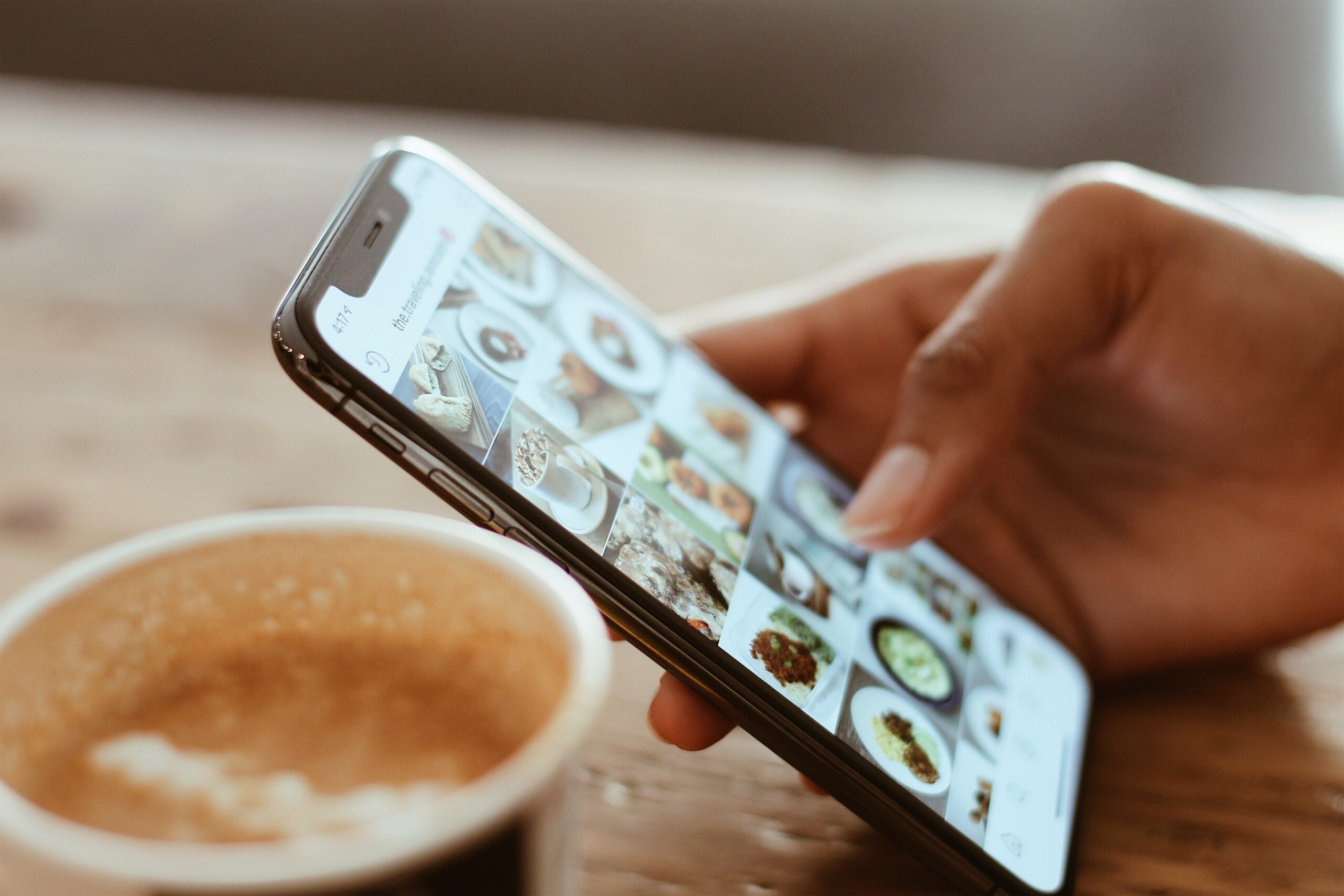
Since its launch in 2010, Instagram has revolutionized the way we capture, share and discover content.
Whether you’re a photography enthusiast, an influencer or a business looking to connect with its audience, Instagram offers a multitude of ways to express your creativity and reach new horizons.
However, it’s sometimes hard to keep track of dimensions and sizes with all these formats.
From posts to stories, IGTV and Reels, each format has its own specifications, which can confuse users.
In this article, we look in detail at Instagram’s different formats and give you practical tips to optimize your posts.
Instagram formats: images
In its early days, Instagram was mainly intended for sharing square photos. Over time, however, the platform expanded its features.
In 2015, Instagram introduced the ability to share landscape images and videos, giving users more flexibility.
Before that, they had to use apps such as “Instasize” to resize their content to a square format.
Here are the dimensions and specifications of the different image formats on Instagram.
Instagram profile picture size
Let’s start with the essentials: your Instagram profile picture.
It’s one of the first images you’ll be asked for when creating your account.
This picture plays a crucial role, as it will encourage other users to click and view your profile.
The minimum recommended size for an Instagram profile picture is 110 x 110 pixels. However, Instagram recommends 320 x 320 pixels for better display quality.
Note that the profile picture appears as a circle, but it’s actually a square image centered by Instagram.
Our tip: to get the best possible quality and avoid pixelation, upload a square image of 1080 x 1080 pixels.
Story highlight cover size
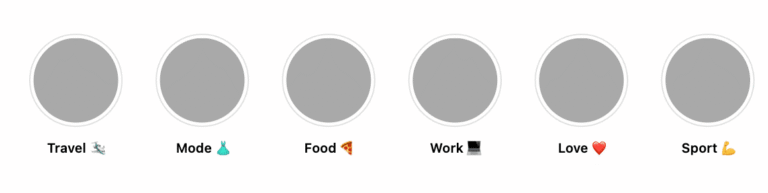
Story highlights are Stories you can pin to your profile and group into specific categories.
For example, you can create Story highlights to sum up your trip to the Caribbean.
For each Story highlight, you can add a centered square cover with a size of 161 x 161 pixels.
Our tip: just like your profile picture, we recommend using an image with a resolution of 1080 x 1080 pixels. This will guarantee optimal quality.
In-Feed post and carousel dimensions
The In-Feed format covers all the posts you see in your Instagram feed.
As for the image format, there are several variations:
- The square post
- The landscape post
- The portrait post
- The carousel
For all these posts, you can upload images with a minimum height of 320 pixels and a maximum width of 1080 pixels. If your image is smaller or larger than these resolutions, it will be resized automatically.
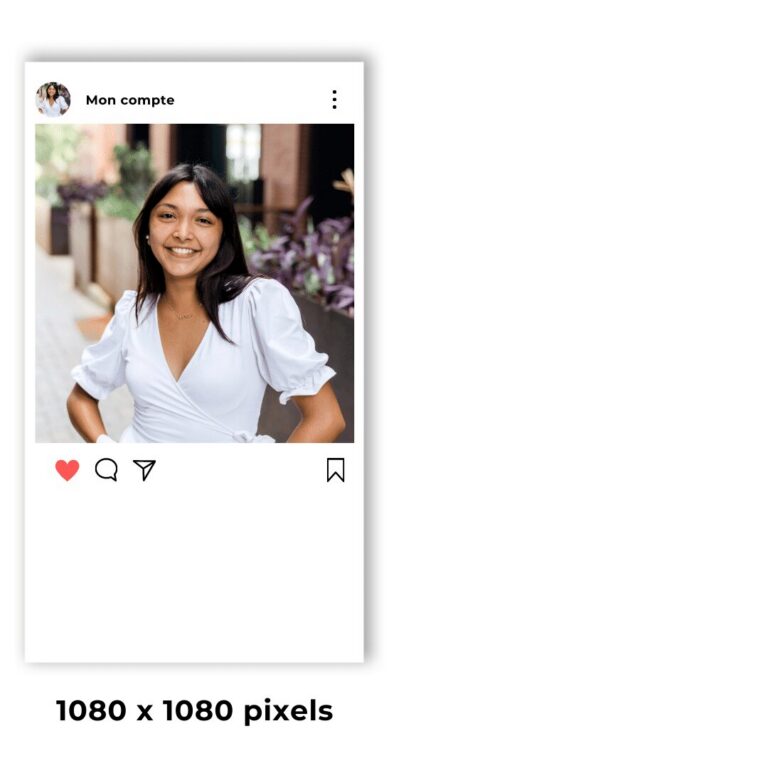
- For the square post, the ratio is 1:1 with a resolution of 1080 x 1080 pixels.
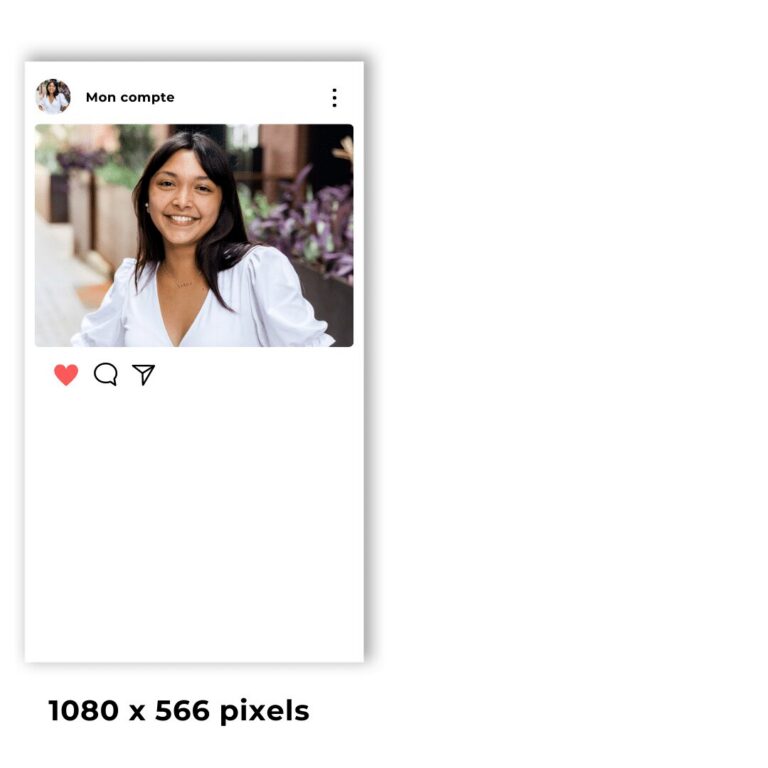
- For the landscape post, the ratio is 1.91:1 with a resolution of 1080 x 566 pixels.
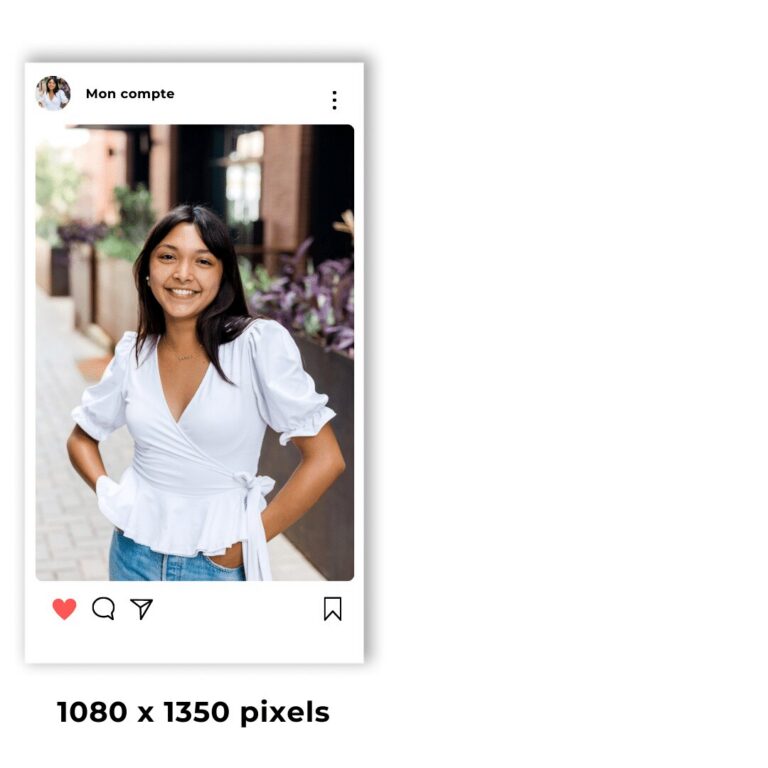
- For the portrait post, the ratio is 4:5 with a resolution of 1080 x 1350 pixels.
For the carousel format, all the resolutions mentioned above can be used for between 2 and 10 images.
Our tip: always use the 1080 x 1350 pixel portrait format. The portrait format lets your post fill the user’s entire screen, which isn’t the case with the square format.
Instagram story format
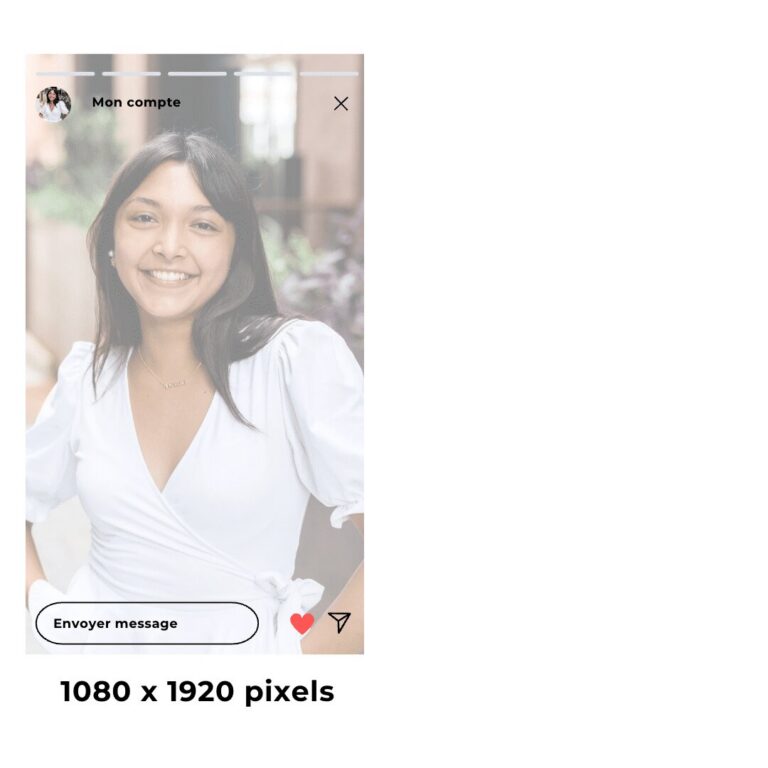
In 2016, Instagram introduced a new type of content called stories.
Stories let you share ephemeral photos or videos that last 24 hours.
Today, they are part of our daily lives, with more than 500 million stories shared every day.
For the story format, the ratio is 9:16 vertical, with a resolution of 1080 x 1920 pixels.
For all Instagram image formats, the accepted file types are mainly PNG and JPG, but other file types are also accepted.
As for image size, you can go up to 30 MB.
Instagram formats: videos
Since the rise of TikTok, the vertical video format has become hugely popular.
In response to this trend, Instagram changed its interface in 2020 to include Reels in a dedicated tab, as well as in the feed.
From now on, every video posted on Instagram will be displayed as a Reel.
The IGTV format was also removed to make way for this new format.
In-Feed video size on Instagram
For videos:
- posted in the Instagram feed, you can use ratios from 16:9 to 4:5.
- in square format, the ratio is 1:1 with a resolution of 1080 x 1080 pixels.
- in landscape format, the ratio is 16:9 with a resolution of 1920 x 1080 pixels.
- in portrait format, the ratio is 4:5 with a resolution of 1080 x 1350 pixels.
For all Instagram video formats, the accepted file types are mainly MP4, GIF and MOV, but other file types are also accepted.
As for video length, you can go from 1 second to 60 minutes.
Finally, the maximum video size is limited to 4 GB.
Instagram Reels format
As explained above, all videos on Instagram are displayed as Reels.
Nevertheless, Reels have specific characteristics.
The Reels ratio is 9:16 in portrait format with a resolution of 1080 x 1920 pixels.
Each Reel can last from 0 seconds to 15 minutes, with a maximum size of 4 GB.
The accepted file types are MP4 and MOV.
Instagram video Story resolution
The story format is quite similar to the Reel format, with one difference: stories last 24 hours (for organic content).
Formats with 16:9, 4:5 and 9:16 ratios are accepted, for a length of 1 to 90 seconds.
Our tip: only use the 9:16 format with a 1080 x 1920 pixel resolution so your story fills the whole screen.
Just like the other video formats, you can use the following files of up to 4 GB: MP4, MOV or GIF.
Need to launch your brand on Instagram?
Neads is the social media agency that supports you with both your advertising and creative strategy, with its creative studio and a network of more than 2,000 UGC creators.